 EN
How Does Auto Tension Control Prevent Film Stretching on a High-Speed plastic bag printing machine?
A thin plastic web needs enough pull to travel through a press without sagging, but too much pull can lengthen and distort it. On a plastic bag printing machine, automatic tension control manages that trade-off by monitoring the web or a dancer position and adjusting a brake or drive as conditions change. It reduces excessive and uneven stretch; it does not make film dimensionally rigid or ensure accurate registration under all conditions.
For an operator, the useful question is not simply whether the press runs fast. It is whether the film stays stable during acceleration, a changing roll diameter and the handoff between web sections. The right settings depend on the material, width, thickness and actual press configuration.
Why film stretches during printing
Film behaves like an elastic web: pulling it in the direction of travel produces some elongation. The amount depends on the material and the force applied. If that force varies between printing stations, the distance between marks can change, even when the artwork and plate cylinders are set correctly. Heat, film properties and mechanical alignment can also affect the result.
At the unwind, a roll gets smaller as material leaves it. The braking torque needed to produce a given web tension changes with roll radius. A fixed brake setting therefore cannot maintain the same pull through an entire roll. Acceleration and deceleration add another disturbance, because the rotating roll must change speed while the web is moving through the press.
In a High-Speed plastic bag printing machine, these changes can occur while the operator is watching other process variables. A web that looks smooth at one speed may respond differently during a ramp or near the end of the roll. Record where the symptom appears before treating tension as the only cause.
How the control loop responds
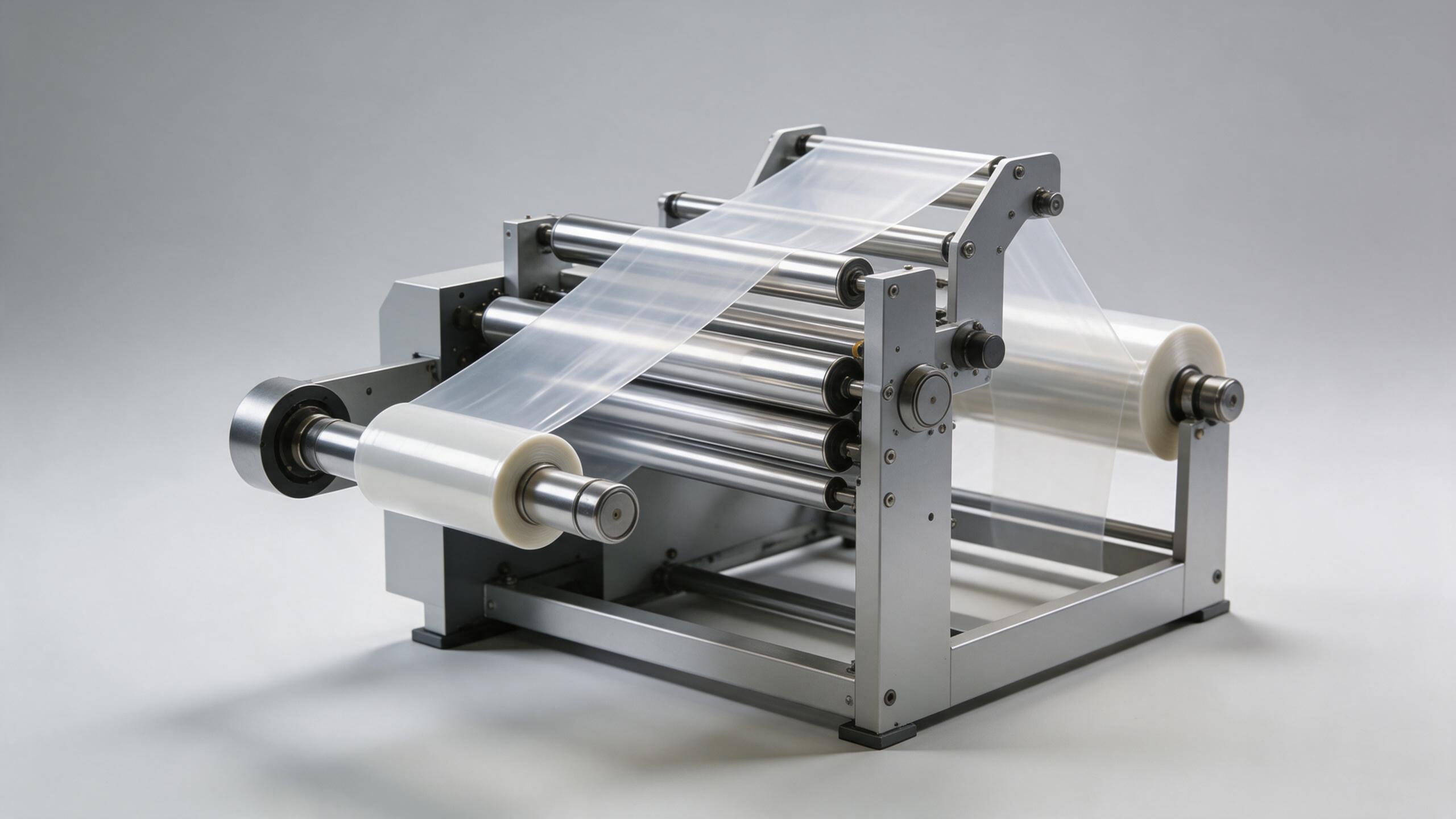
A typical closed-loop arrangement has a target tension, a way to sense the web condition, a controller and a device that changes torque. The details vary by press. The control sequence usually follows these steps.
- Set a target. The operator selects a tension appropriate for the film and the machine's operating instructions.
- Observe the web. Load cells can measure force at a sensing roller. A dancer system instead uses a movable roller and its position as part of the feedback arrangement.
- Compare and correct. The controller compares feedback with the target and adjusts the unwind brake or the relevant drive. If tension rises above target, the control action changes torque in the direction needed to bring it back.
- Continue through the run. The system keeps responding as speed, roll diameter and other operating conditions change, within the range and response capability of that installation.
Some systems also use roll-diameter information or feed-forward compensation. Those functions can support a response to predictable changes, but their presence must be checked against the quoted configuration. A dancer is not simply a substitute name for a load cell: the two arrangements sense and respond differently, and either requires appropriate setup and maintenance.
Where to control tension across the web path
The web does not necessarily experience one uniform pull from the unwinder to the finished roll. A plastic bag printing machine may divide the path into separate tension zones. Driven rollers or other isolating elements influence how forces transfer between those zones; the number and arrangement depend on the press.
Unwind
As the supply roll shrinks, the controller adapts braking or drive torque. This helps limit shifts in pull as material leaves the roll. Incorrect roll alignment, a damaged edge or a faulty brake can still upset the web, even with automatic control enabled.
Printing and drying
The film must remain sufficiently stable as it passes the print stations and any drying equipment. Varying tension can change its length between impressions and contribute to registration variation. Registration adjustments and tension are related but are not the same function: one manages image alignment, while the other manages the web force or related feedback. Inspect drying conditions and mechanical tracking as well as tension if marks drift.
Rewind or downstream delivery
The receiving section must build a roll suitable for the next converting step. Excessive pull can distort film or produce an overly tight roll; insufficient control may contribute to loose or uneven winding. Some processes use a changing rewind tension profile. Confirm the actual winding strategy with the machine supplier and evaluate the resulting roll, not just the displayed setpoint.
What changes during a real job?
Consider a hypothetical polyethylene film job with two printed colors. At startup, the operator sets a material-specific target and checks the register marks. As the press accelerates, a temporary increase in pull can lengthen the web; the second color may no longer meet the first at the intended position. A responsive control loop can reduce the duration or size of that disturbance, subject to sensor, drive and tuning limits.
Later, as the supply roll becomes smaller, the controller must account for the changed relationship between torque and radius. Compare marks and tension trends at the beginning, middle and end of the roll. If drift continues despite a stable tension reading, examine plate setup, temperature, web tracking and the registration system rather than repeatedly increasing the setpoint.
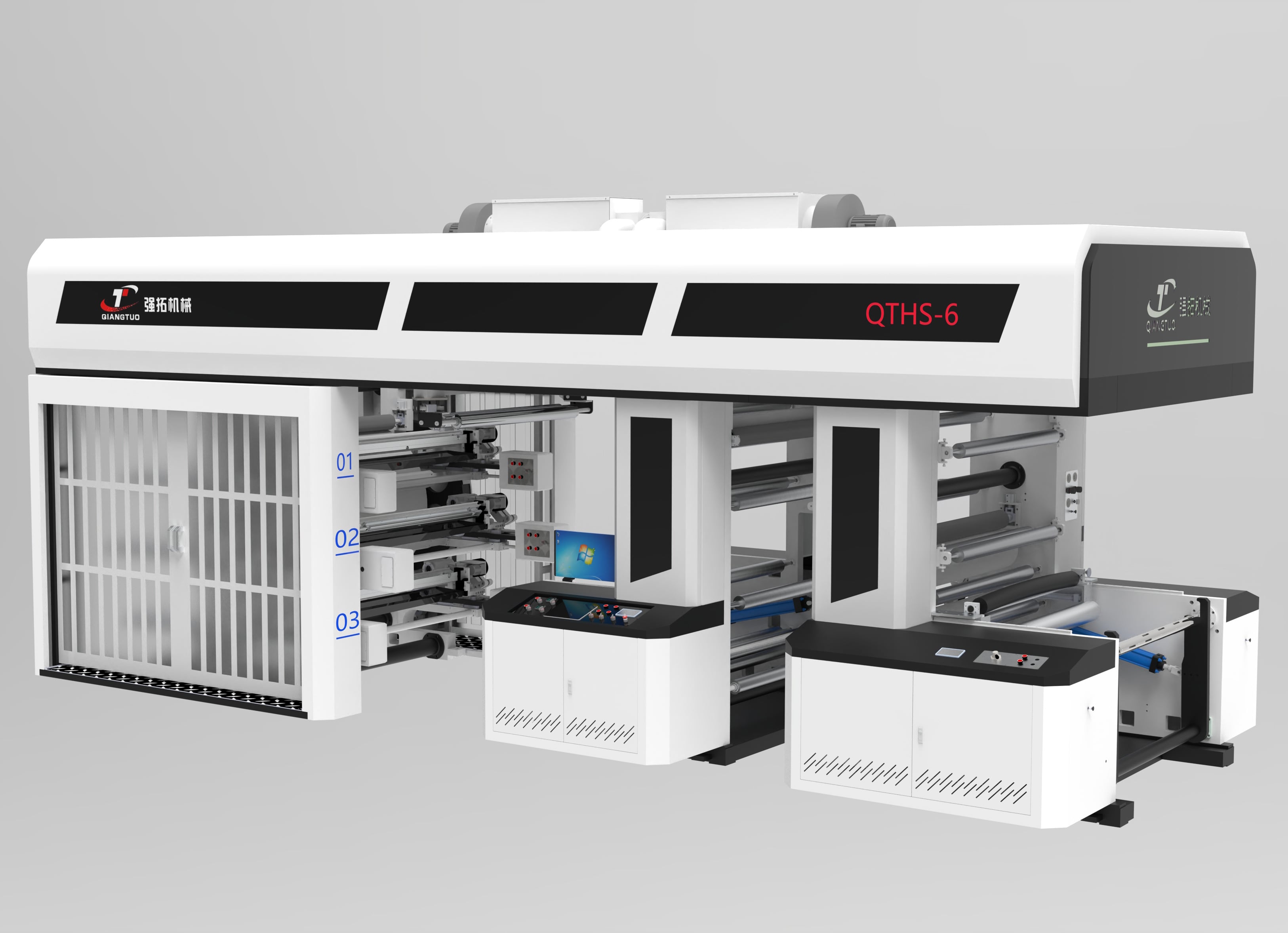
An Auto Tension Control Plastic Film Flexo Press should therefore be evaluated as a system, not as a feature name. Ask which web zones are controlled, how feedback is obtained and what the operator can see when the speed changes. That label alone says little about suitability for a particular film.
Setting up and checking automatic tension
Start with the film supplier's handling guidance and the press manufacturer's procedure. Specify film type, gauge, width, roll diameter and the intended speed range. There is no single tension value that is appropriate for every web: force that works for one material or width may be excessive for another.
- Confirm roller cleanliness, alignment and free movement before threading the web.
- Check load-cell calibration or dancer operation according to the equipment instructions.
- Enter the relevant job settings, then bring the machine up to speed in controlled stages.
- Watch tension trends, registration marks, wrinkles and edge movement during acceleration and steady running.
- Check the finished roll for winding defects, and note the conditions when a fault appears.
- Change one setting at a time where practical, documenting the result before the next adjustment.
If the displayed value is stable but the web is visibly distorted, investigate sensor placement, calibration and the conditions in the affected zone. A controller on a plastic bag printing machine can only act on the feedback and actuators available to it. Do not bypass guarding or adjust moving equipment outside the site's safety procedures.
Questions to ask before specifying a press
For a plastic bag printing machine intended for variable film jobs, share representative material samples and artwork with the supplier. Ask for a demonstration across the required speed range and roll diameters, including acceleration and deceleration. Agree before the trial how tension, register and finished-roll condition will be assessed.
Request the controlled-zone layout, sensing method, operator controls and maintenance requirements in the quotation. Also ask how different film widths and thicknesses affect setup and whether the proposed downstream equipment needs a particular roll condition. A practical trial on the intended substrate provides a stronger basis for a decision than a headline speed or an automation label alone.
 Hot News