 EN
7 Critical Maintenance Routines to Extend the Lifespan of Your plastic bag printing machine Anilox Rollers
A fading solid or an uneven tint can send a press crew looking for a new ink setting. On a plastic bag printing machine using flexography, the anilox roller deserves a close look too. Its engraved cells meter ink to the printing plate; dried deposits, damage or inconsistent contact can alter that transfer. The roller is one part of a system, so a print defect alone does not prove the roller is at fault.
Use these seven routines to build a practical plastic bag printing machine maintenance plan around the ink, roller coating and schedule actually used on your press. They are starting points, not a substitute for the equipment and roller suppliers' instructions. Assign an owner for each check and record the results at handover.
1. Clean promptly after each job
Make the end of a print run the trigger for cleaning, rather than waiting for the next shift. Ink left in the cells can dry and become harder to remove. A short, documented changeover routine can reduce the chance that a roller sits unattended with residue on it, especially when a plastic bag printing machine alternates between short orders.
First stop the plastic bag printing machine and follow the site's hazardous-energy procedure. Then remove ink using a cleaning product approved for the specific ink and roller. Follow the supplier's method for application, dwell time and removal; more time or stronger chemistry is not automatically safer. Clean surrounding ink-system parts as directed so loosened residue is not carried back to the roll on the next run.
2. Match the cleaner and tools to the roller
Identify whether the plastic bag printing machine roll has a ceramic or another surface before selecting a tool. The ink supplier, roller maker and cleaner supplier should confirm that the combination is suitable, including compatibility with end seals and adhesives. Use the specified personal protective equipment, ventilation and waste handling from the safety data sheet and site procedure.
Avoid metal scrapers, improvised abrasives and unapproved brushes. Industry cleaning guidance cautions against brass brushes on ceramic; a brush suitable for one coating is not necessarily suitable for another. If the approved method includes brushing, follow the roller maker's instructions for brush material, pressure and direction. The goal is to remove deposits without damaging cell walls or the surrounding surface.
3. Inspect the cells and surface under magnification
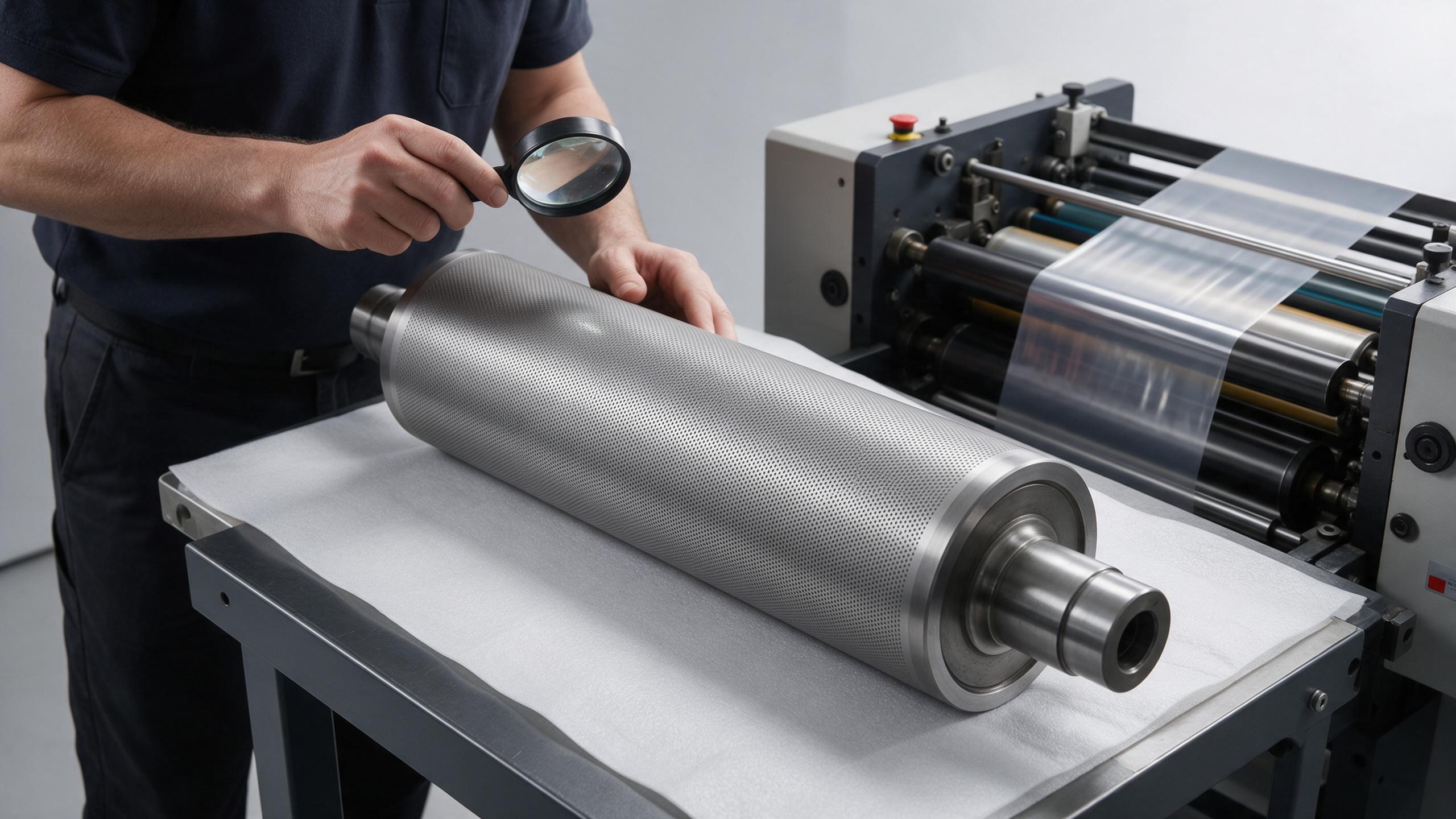
After cleaning and drying as directed, inspect representative positions across the roller using the magnification and lighting recommended by its supplier. Look for plugged cells, streaks, chips and recurring marks. Take comparable photographs and label them with the roll ID and inspection date. Some inspection guidance uses a 200-times microscope, but the appropriate instrument and magnification depend on the engraving and the inspection task.
Compare the images with an earlier clean baseline, not just with a neighboring roll. A microscope used during plastic bag printing machine maintenance reveals visible deposits and wear; it does not by itself provide a reliable cell-volume measurement. A defect that remains after an approved clean should be assessed by the roller supplier before further aggressive treatment.
4. Track cell volume and print results
Give every anilox used on the plastic bag printing machine an identification record. Add the engraving specification supplied with the roll, the ink system, cleaning method, inspection dates and measured cell volume where a suitable measurement method is available. Record instrument, sampling locations and procedure so readings can be compared fairly.
Set a baseline after an approved clean, then compare subsequent readings under the same conditions. Review the trend alongside ink density, color variation and visual print checks. A falling reading may indicate deposits or wear, but different measurement methods and locations can produce different results. Confirm the cause before scheduling a deep clean or replacement; do not use a generic volume threshold for every engraving.
5. Check doctor blades and contact settings
An anilox roller in a plastic bag printing machine does not work alone. A damaged blade, trapped particle or incorrect chamber setting may leave lines or contribute to surface wear. During planned maintenance, inspect the blade and seals according to the equipment supplier's procedure. Keep the ink supply and filters in the condition specified for the ink system, and investigate debris before restarting.
Set blade and chamber contact as the machine maker directs. Increasing pressure to compensate for a print issue can create another issue, so check cleanliness, blade condition and alignment before adjusting. If a line appears, note whether it repeats across the web or persists after a controlled component change; that information helps the team trace the cause without guessing.
6. Handle and store rollers with protection
A clean roller can be damaged between presses. Use the approved lifting points and handling equipment, protect the engraved surface from contact, and do not rest it on a hard edge. Fit the supplier-recommended protective cover once the roll is clean and dry. Store it in a suitable rack or container that supports it as the supplier specifies.
Label the roll, its orientation if relevant, and its inspection status. Protect it from dirt, impacts and unsuitable moisture or chemicals. For a plastic bag printing machine with several color stations, a simple sign-out record also helps identify which roll produced a recurring mark. If a roll is dropped or chipped, isolate it for inspection instead of returning it directly to production.
7. Schedule deeper cleaning and review trends
Routine cleaning and periodic deep cleaning serve different purposes in plastic bag printing machine maintenance. Set a review interval based on ink type, run length, changeovers and actual inspection results, not a single calendar rule for every roller. Choose a deep-cleaning method only after the roller supplier confirms compatibility with the coating, engraving and seals. Record the method and the before-and-after findings.
If cell volume remains low after an approved clean, or if the surface shows chips or scoring, ask the supplier to assess repair or re-engraving. Repeated cleaning cannot be assumed to restore worn cell geometry. Keep the removed roll identified and protected until a decision is made. Review the maintenance record with the press team whenever a new ink system or cleaning process is introduced.
Put the routines into a safe shift plan
Before anyone cleans or removes a component, an authorized person should shut down, isolate the relevant energy sources, control stored energy and verify isolation under the site's procedure. In the United States, OSHA's 29 CFR 1910.147 addresses hazardous-energy control for covered servicing and maintenance. Other locations have their own rules. Do not reach into moving machinery or bypass a guard to clean a roller.
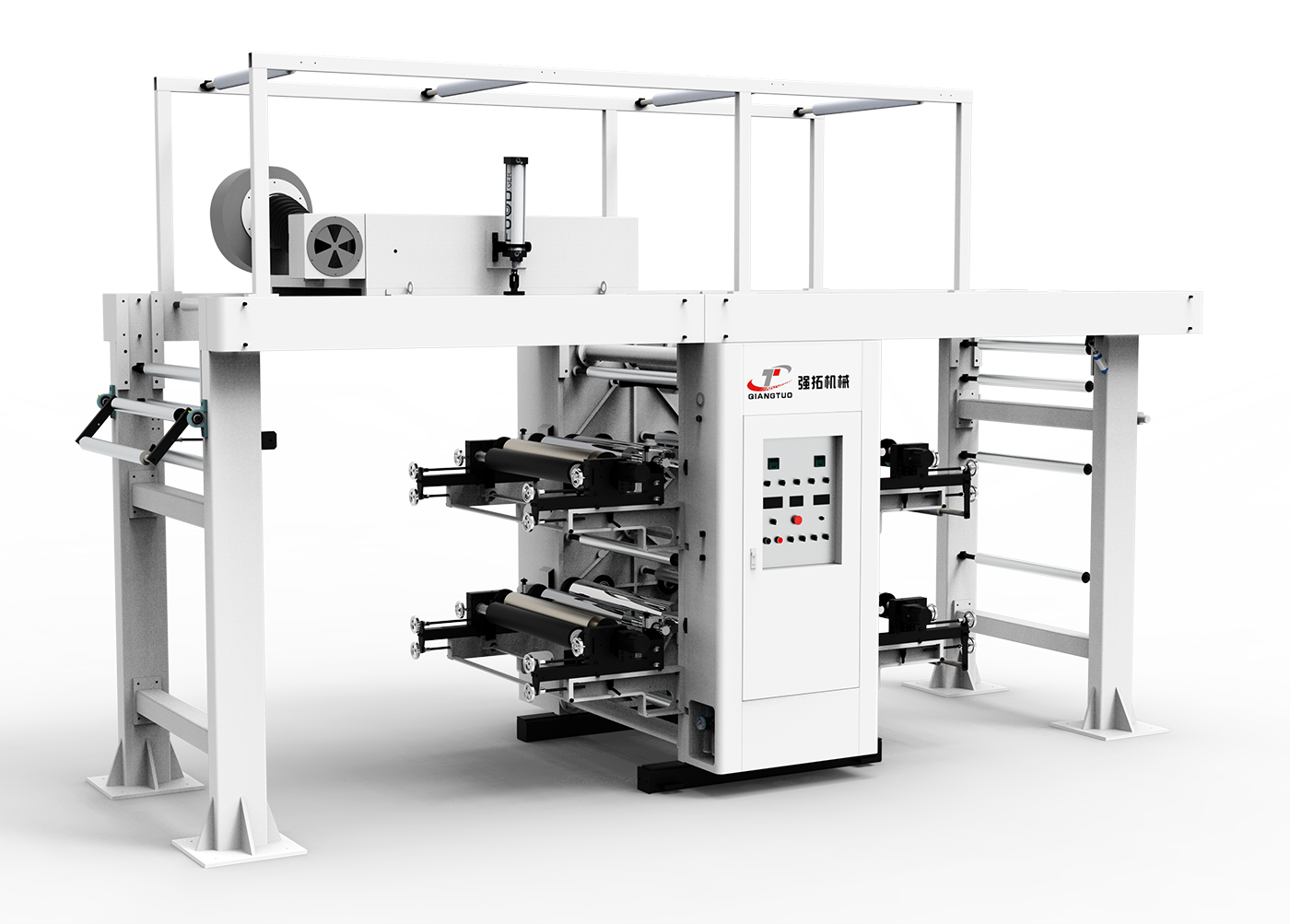
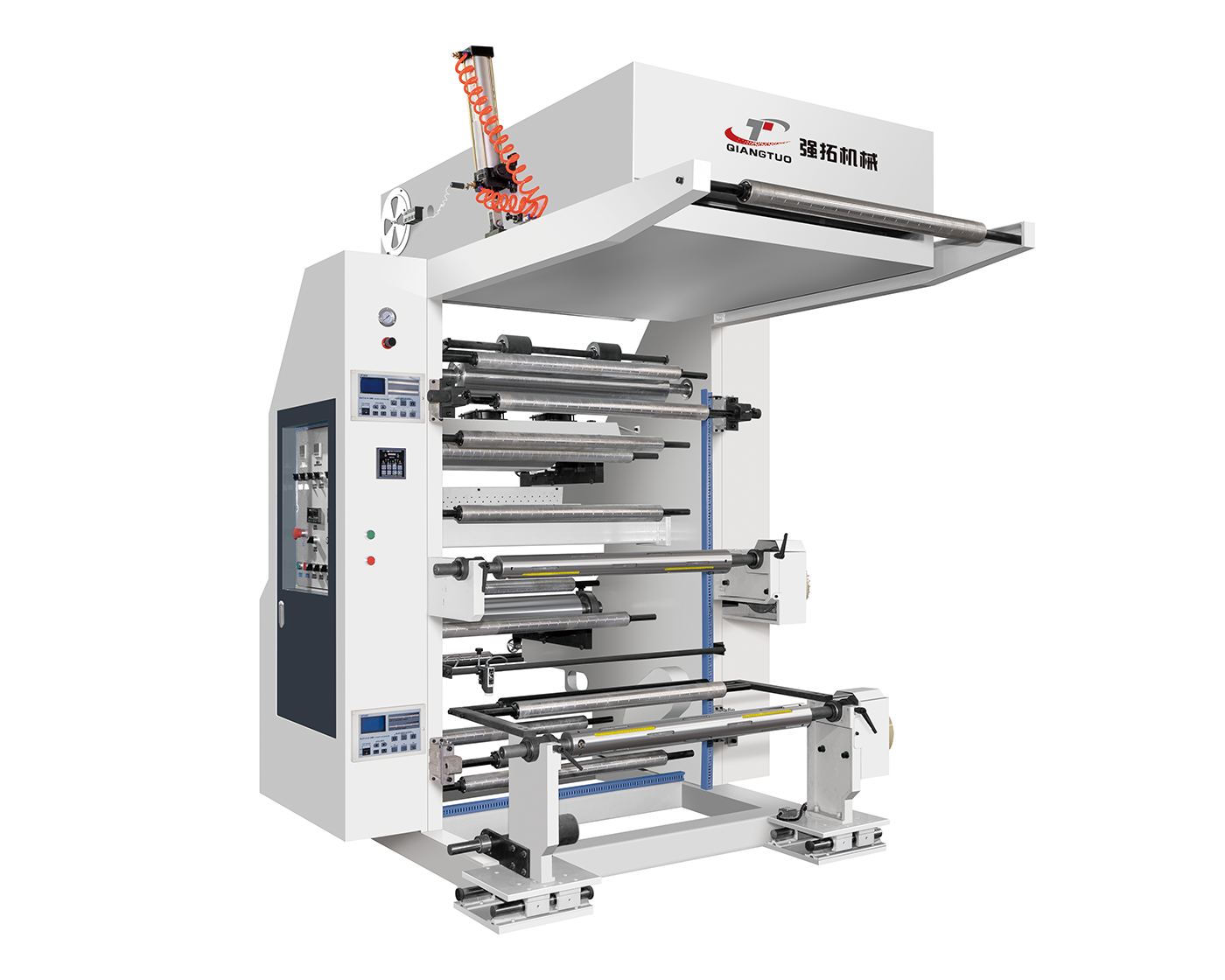
A useful starting point for anilox roller care for plastic film flexo press operations is a roll register, a compatible cleaning list and a weekly review of inspection records. At each changeover, the operator records the job, ink, cleaning and any visible issue; maintenance reviews trends and escalates damaged rolls. Wenzhou Qiangtuo Machinery works in flexographic printing equipment for packaging applications. When discussing a press or maintenance plan, share the film, ink system, roller specification and shift pattern so the supplier can help clarify the applicable procedure.
 Hot News