
 EN
How Do Ceramic Anilox Rollers and Chamber Doctor Blades Improve plastic bag printing machine Print Quality?
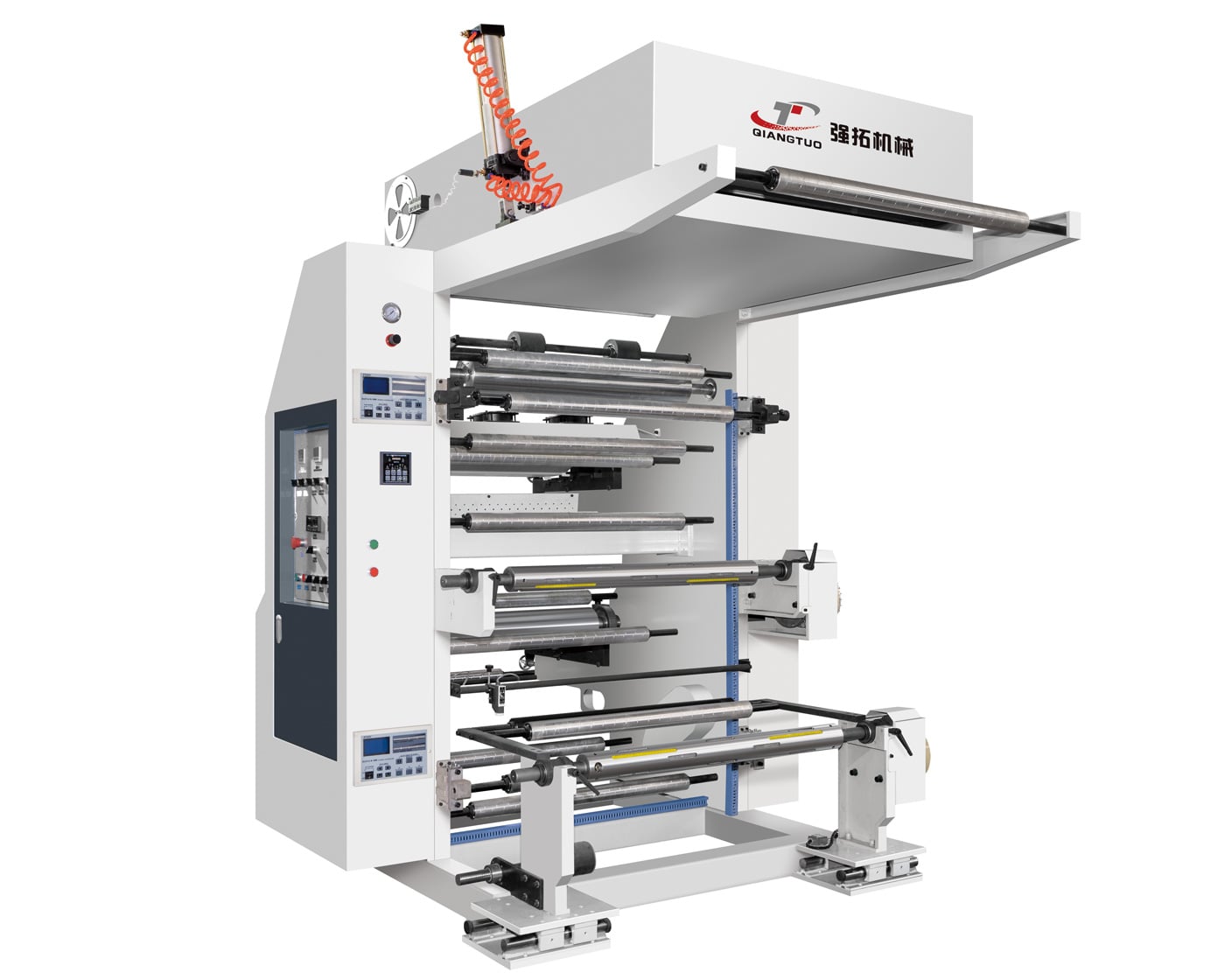
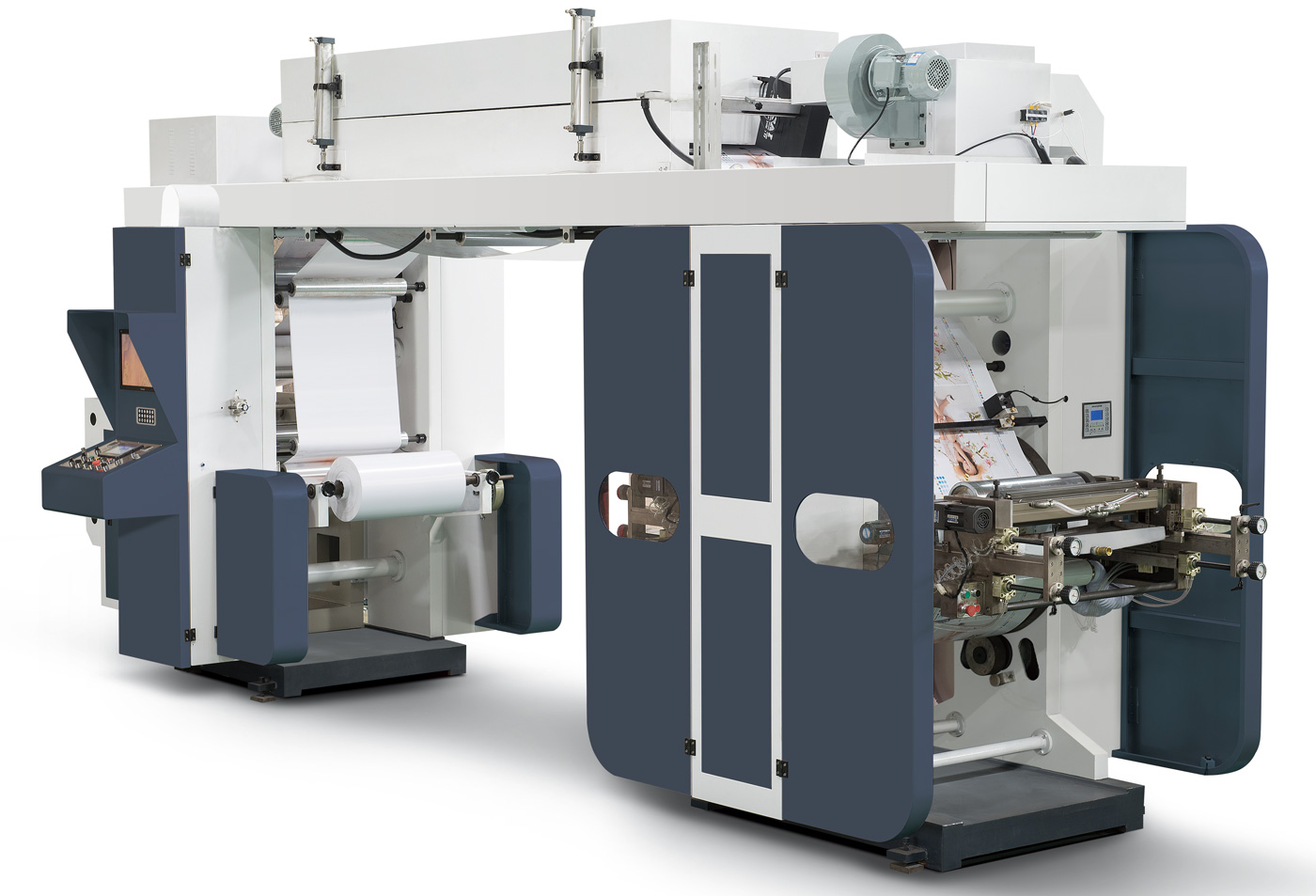
On a flexographic plastic bag printing machine, a ceramic anilox roller and a chambered doctor blade work together to control the ink presented to the printing plate. The roller's engraved cells carry a measured supply; the blade meters ink from the roller surface. A consistent film of ink can support cleaner type, more even solids and more repeatable color on plastic film. Neither component works in isolation, however: ink condition, plate impression, film treatment and drying also affect the finished result.
For an operator, the practical question is not simply whether a press has these parts. It is whether their specification, condition and daily setup match the film, artwork and ink being used. The following checks turn that question into a workable pressroom routine.
Follow the ink from chamber to film
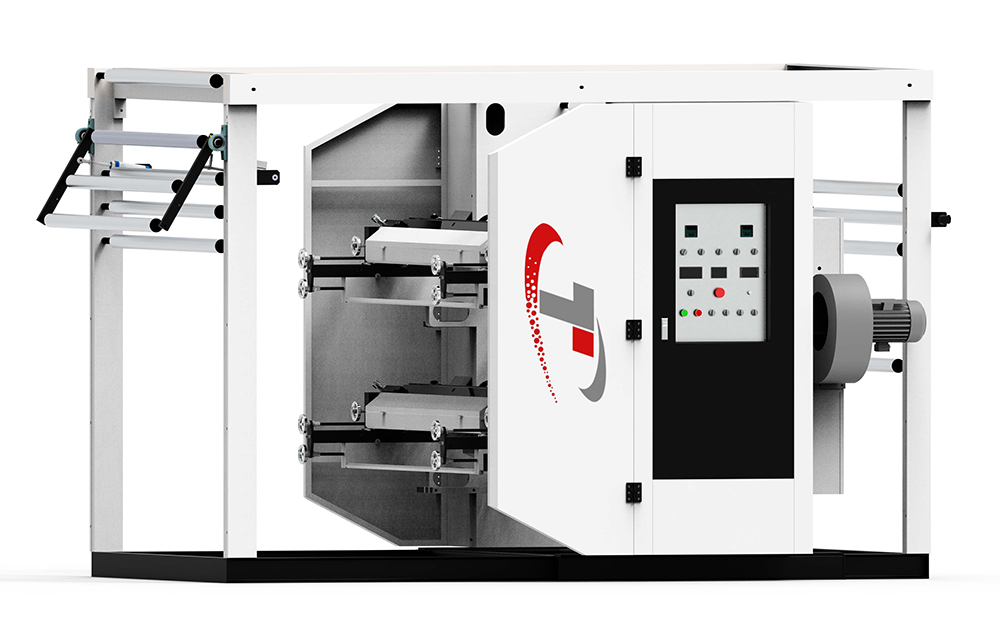
Ink circulates through the enclosed chamber while the rotating anilox passes its opening. One blade meters excess ink from the surface; another blade and end seals help contain the ink. The cells carry the remaining ink to the raised image areas of the flexible plate, which then transfer it to the film. Ink transfer is not a one-to-one emptying of every cell, so the specified cell volume is a starting point rather than the thickness of ink on the bag.
On a plastic bag printing machine, even small shifts in metering can show up as uneven color, hazy backgrounds or plugged fine details. Good chamber contact helps maintain a consistent starting condition across the web. It cannot compensate for a damaged plate, a fluctuating ink viscosity or film with unsuitable surface treatment.
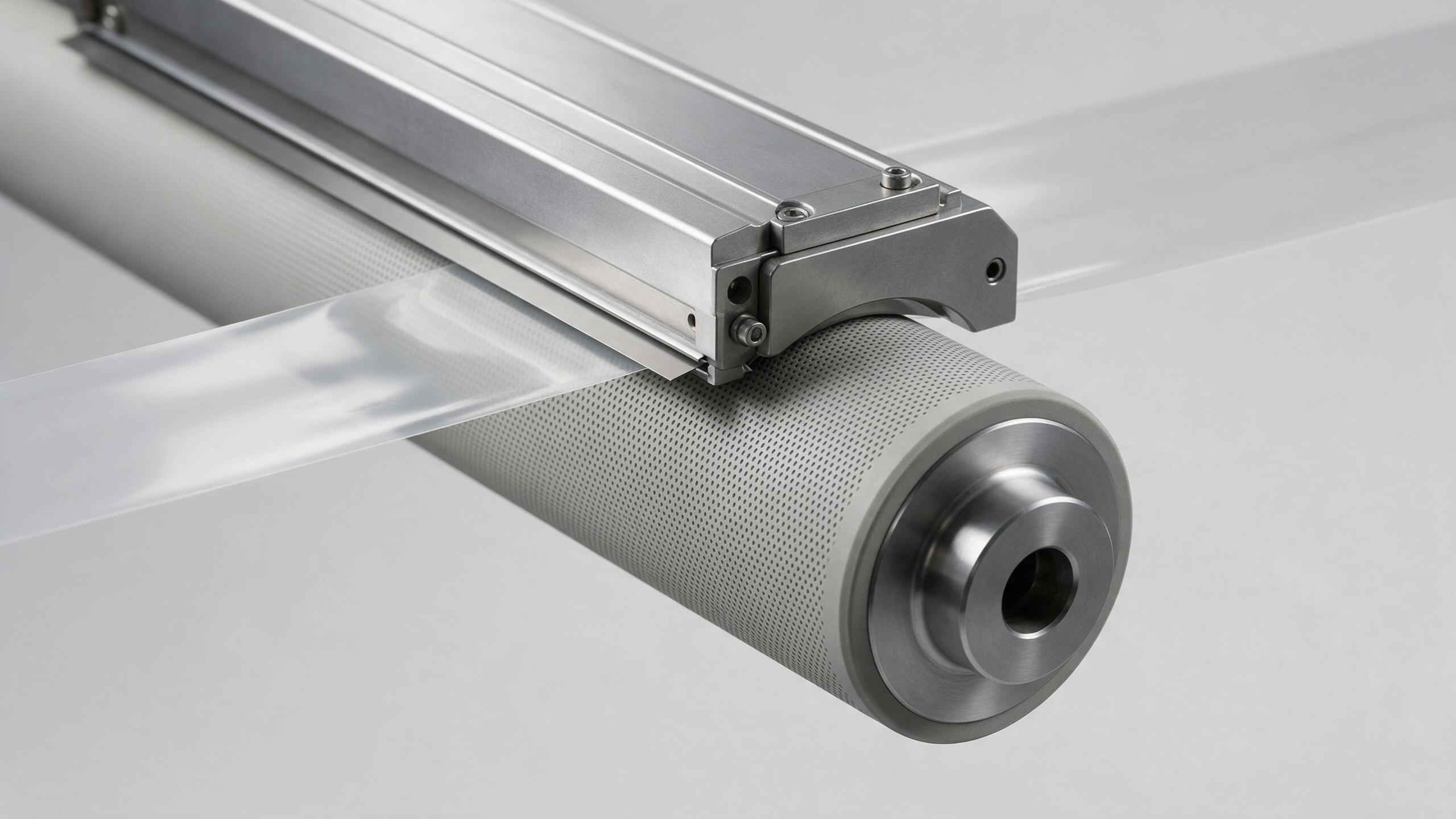
What the ceramic anilox contributes
An anilox has a hard ceramic surface engraved with many small cells. The cell geometry, the number of lines and the available volume influence how much ink reaches the plate. Ceramic offers a wear-resistant working surface, but it can still be scored, chipped or blocked by dried ink. A clean, undamaged roller is more useful than a nominal specification on its own.
Read line screen and volume together
Line screen is commonly stated in lines per inch (LPI); engraved volume may be stated in billion cubic microns (BCM). A finer screen can help support fine graphics, while the volume must supply enough ink for the required color and coverage. A high screen count alone does not tell you how much ink will transfer. Ask the roller and ink suppliers to recommend a combination for the plate, film and artwork, then validate it with a production-representative print trial.
A job dominated by small lettering may need a different setup from a broad opaque white panel. For the latter, ink formulation and the amount of deposited ink matter alongside the roller engraving. On a plastic bag printing machine, compare samples at the intended operating conditions rather than assuming one roller will suit both jobs.
Keep the cells open
Residue reduces usable cell volume and can make a previously acceptable color appear weak. Inspect and clean the roller using the supplier's approved method and chemistry; avoid abrasive or incompatible tools. Record roller identity, cleaning date and measured condition if suitable inspection equipment is available. If color remains weak after cleaning, investigate the ink, plate and impression as well as the roller.
How chambered doctor blades stabilize metering
The metering blade removes ink from the anilox surface while allowing ink in the cells to travel onward. The containment blade and end seals keep ink within the chamber. Together they create a controlled supply, but they need suitable blade material, a straight holder, correct positioning and seals matched to the assembly. A leaking chamber or uneven contact can disturb metering and create additional cleanup.
One industry guide describes a typical flexographic blade contact angle of 30–35 degrees to the tangent. Treat that as context, not a setting to apply to every chamber: confirm the geometry and adjustment procedure with the press and blade suppliers. Excessive loading can accelerate wear or damage the roller; increase pressure only as directed, rather than using force to hide a defect.
For a plastic bag printing machine, check the blade edge and holder whenever a persistent line appears in the print. Stop and isolate the equipment before inspection, wear cut-resistant gloves when handling blades, and follow the site safety procedure. A particle trapped at the edge, a worn blade or a damaged roller may each produce a similar symptom; replacing parts without inspecting the cause can leave the problem unresolved.
Use print defects to narrow the diagnosis
- Fine streaks in the direction of travel: inspect the blade edge, chamber cleanliness and roller surface for debris or scoring. Also check the plate before deciding which part needs attention.
- Weak or inconsistent color: check ink condition and supply, then examine roller cleanliness and cell volume. Compare against an approved sample under the same lighting and film conditions.
- Dirty print or filled fine type: review ink condition, blade metering and plate cleanliness; excessive impression can also distort the image. Adjust one factor at a time.
- Ink at the chamber ends: inspect seals, fit and chamber alignment according to the equipment instructions. Do not assume extra blade pressure is the appropriate fix.
These are diagnostic starting points, not definitive causes. Keep a sample, note when the defect appeared and record the ink, speed and adjustments. That evidence makes it easier to distinguish a change in the metering system from a change in the film or plate.
A setup and verification sequence for film jobs
- Confirm film type, surface condition, artwork coverage, plate and ink system before choosing the roller and chamber components.
- Inspect the roller, blade holder, blades and seals with the machine safely isolated. Install and adjust parts to their suppliers' instructions.
- Bring the ink to the agreed working condition and verify circulation. Record the target and measurement method supplied for the ink.
- Run a representative sample on the actual film. Check fine text, solids and color against the approved reference at the intended production conditions.
- Change one variable at a time, document the result and retain the accepted setup for the next comparable job.
When comparing a plastic bag printing machine configuration, ask whether the roller specifications, spare blades, seal details and cleaning instructions are included in the quotation. A feature name does not establish compatibility with your ink or artwork. Request a sample trial and agree how print quality will be assessed before committing to a configuration.
Questions buyers and operators often ask
Does a finer anilox necessarily make a sharper print?
No. Screen count is only one factor. Cell volume, ink release, plate quality and impression all influence the result. A finer screen that supplies insufficient ink may compromise a solid area even if small details look cleaner.
Can a chambered blade system fix poor ink adhesion?
Not by itself. The chamber controls metering, while adhesion also depends on the film surface, ink formulation and drying conditions. Test adhesion using the method agreed for the application and consult the film and ink suppliers when results vary.
What information should be included in a supplier inquiry?
Share the film structure and width, artwork and color requirements, expected job mix, ink system and acceptance criteria. If a quotation uses labels such as “Ceramic Anilox plastic bag printing machine” or “Chamber Doctor Blade Plastic Film Flexo Press,” ask for the actual roller, chamber, blade and maintenance details behind those labels. Wenzhou Qiangtuo Machinery can discuss flexographic packaging equipment requirements; the final fit should be confirmed for the intended job.
 Hot News